Full Description
View Full Description
iLok Installation Guide
This product uses iLok to authorise and activate your product licence. For a detailed breakdown on how to use iLok to authorise your digital download product, see our full guide on How does iLok work? for more information.
Get clean vocals in a click
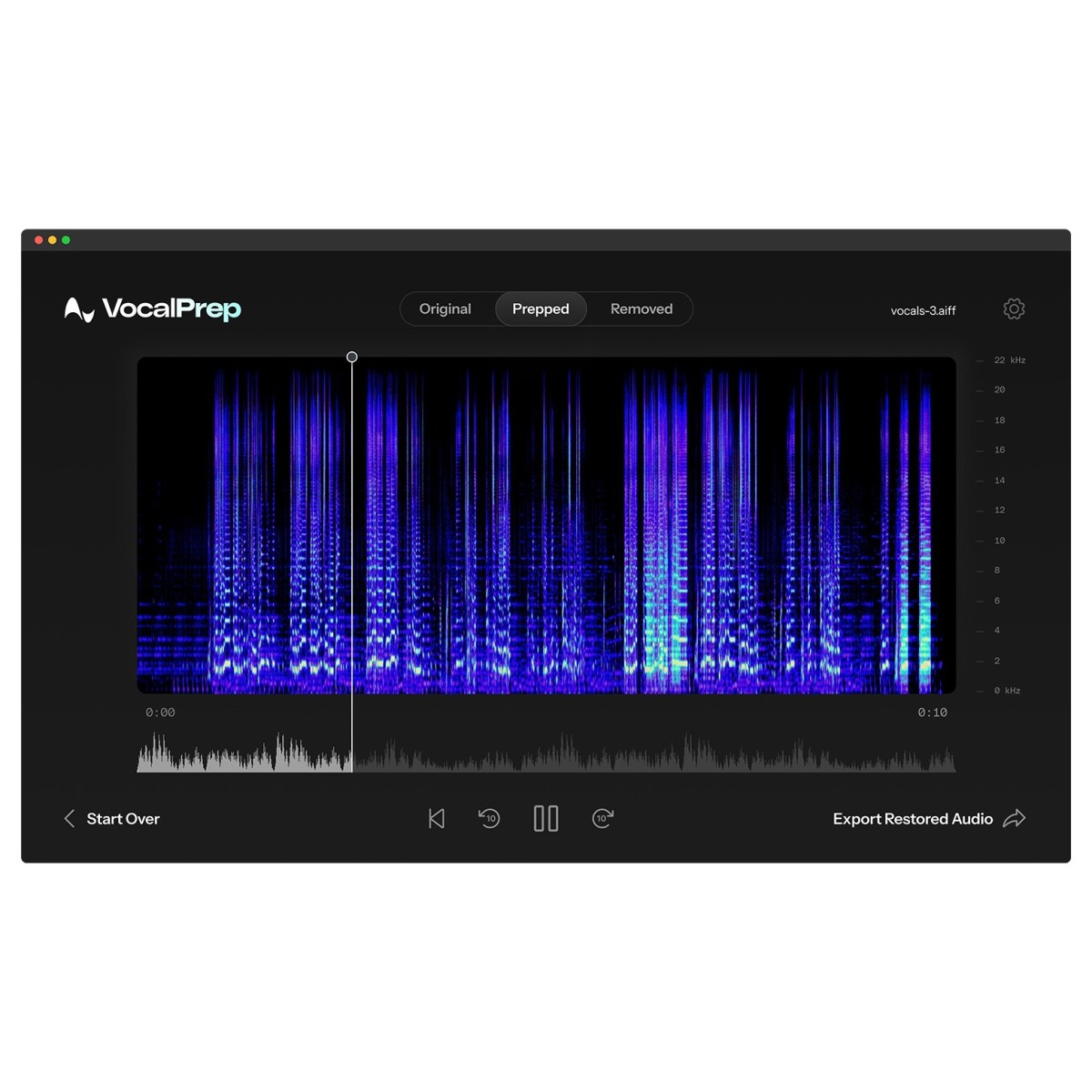
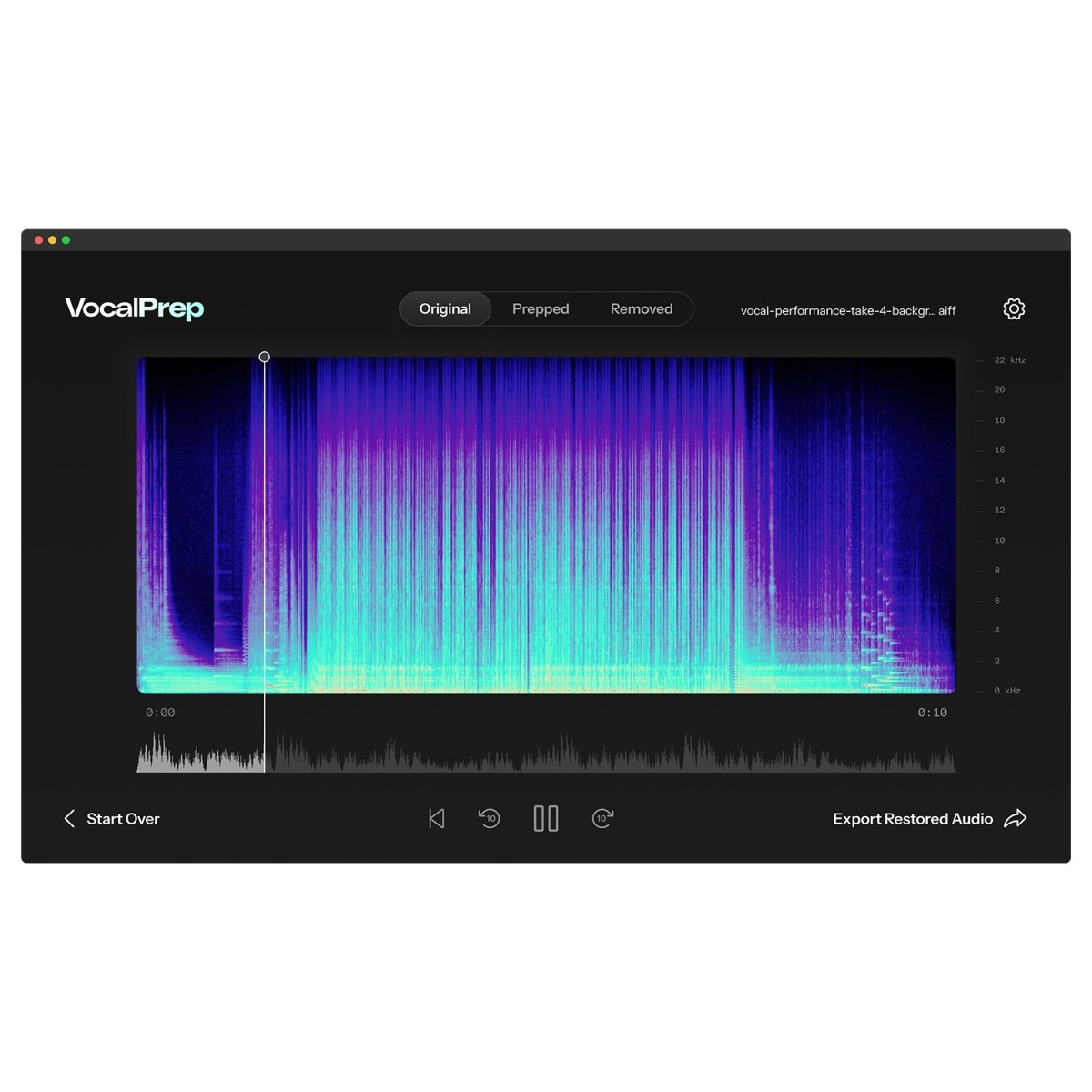
Cut editing time down to seconds. With a single action, Antares Vocal Prep analyses your recording and strips out background clutter, buzzing, hiss and room ambience without bogging you down in menus. It’s a straightforward path to broadcast-ready clarity that fits any workflow, whether you’re polishing demo vocals, tidying a podcast, or cleaning an interview. The result is consistent vocal quality that helps projects move faster and sound confident, even when the original take was captured in a less-than-ideal space.
Keep your natural vocal character
Noise reduction shouldn’t flatten your voice. The processing here focuses on removing distractions while preserving tone, transients and dynamics, so performances remain expressive and believable. Unlike heavy-handed tools that can leave artefacts or a processed sheen, Vocal Prep maintains the qualities that make a voice recognisable. That makes it a solid fit for singing, spoken word and voiceovers where authenticity matters, ensuring your audience hears the message clearly without the mechanical aftertaste that can creep in with aggressive cleanup.
Record anywhere without a DAW
Use it as a dedicated, standalone app, with no additionally recording software required if you don’t need it! This keeps setup simple on the road, in hotel rooms, backstage or at home, removing the barrier of learning a full DAW when you just need clean audio fast. Open the app, load your take and process. It’s a practical solution for creators who value speed and reliability, and for teams that need consistent results across different computers without installing large creative suites or audio interfaces.
Bring in audio from any device
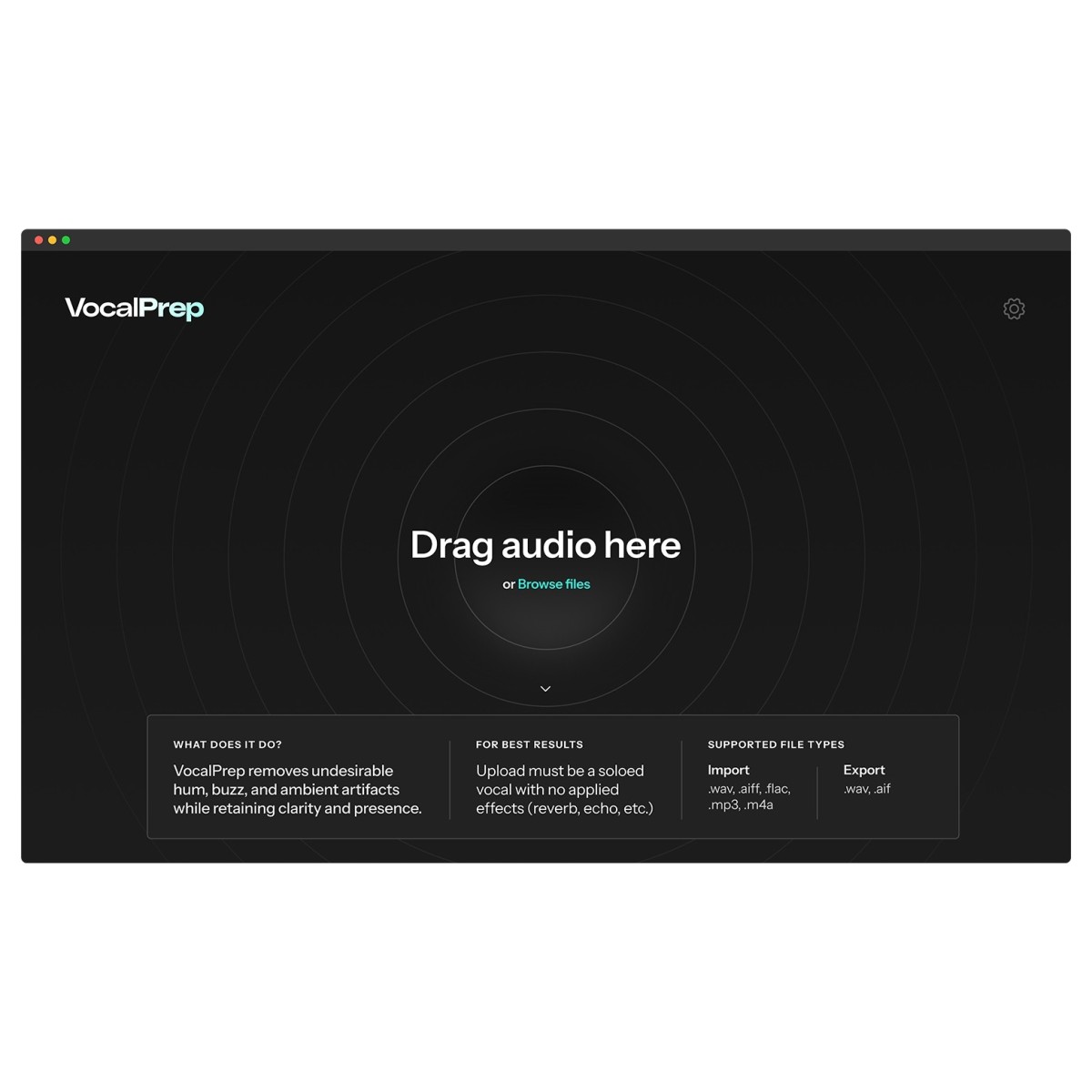
Whatever you record on, it slots into your workflow. Import standard formats including MP3, WAV, AIFF and FLAC from smartphones, tablets, laptops or any other recording source. That flexibility means you can capture an idea wherever inspiration strikes and tidy it up later without file-conversion headaches. For podcasters, reporters and musicians working across multiple devices, it removes friction: gather clips, clean them quickly, and move straight to publishing or mixing with dependable, studio-quality clarity.
Reviews
"Vocal Prep is an incredible tool that saves me time and gives consistently clean results." - Samantha Henry (Tyga, YG, Lil Tecca)
"As a mum and a producer/songwriter, inspiration can hit at the most unpredictable times — even when I’m with my daughter. I’ll record an idea, and inevitably she’s making sounds in the background. AutoTune's Vocal Prep makes it easy to clean up those takes by isolating my voice and cutting out her babbling. It saves me so much time and keeps the creative flow going without needing a perfect quiet moment." - Lauren Faith (FLO, KAYTRANADA, Hearts2Hearts)
"Vocal Prep is a single click lifesaver! When expectations are high but time is at a minimum, Vocal Prep clears up any undesirable noise efficiently so I can get right to mixing. Being a touring engineer means I’m recording in all kinds of loud environments and Vocal Prep allows me to fight back while still maintaining excellent results." - Hank Byerly (Super Bowl LIX, Adam Blackstone, Gunna)
Specifications
- Operating system:
- Mac: macOS 14 Sonoma and higher
- Windows: Windows 10 and 11
- Sample Rates: 44.1kHz to 192KHz
- Compatible audio files: WAV .AIFF .FLAC .MP3
- Product code: 1015-65